Features
Work Examiner offers a wide variety of activities monitoring and filtering functionality for keeping an eye on your employees.
Looking for a cloud-based solution? Check Controlio's features
Websites Tracking
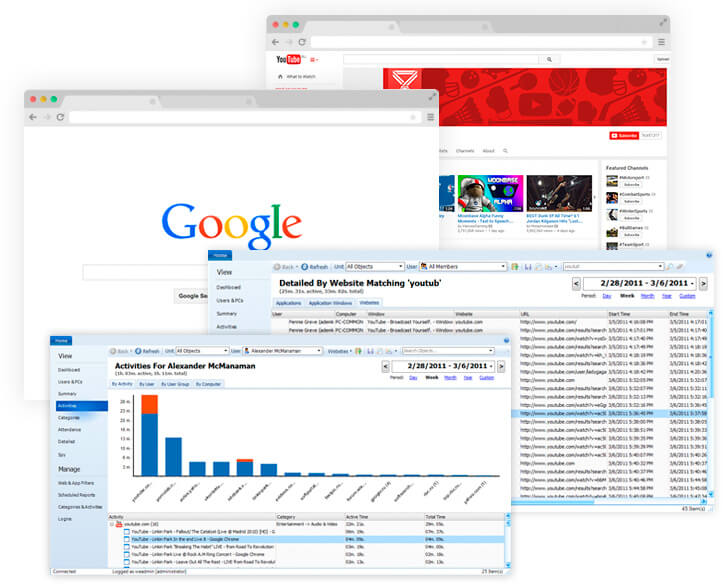
Provide a full in-depth view of what employees do on the Web
Work Examiner will give you a wealth of stats on how the web surfing time at your company is distributed between users, computers, departments, sites sand categories and even by days of the week, dates, and hours!
More than just a browser history…
Unlike other Internet monitoring tools, Work Examiner not only collects data about the website address and the date of access, but it also calculates the amount of time that the user spent on the site (including active and idle time).

On-line searches
Track search requests to Google, Yahoo, Bing, and other search engines

File Downloads
Work Examiner reports reflect file downloads by http and https protocols

Categorization
Enjoy a clever website categorization feature to simplify web usage analysis

Export Reports
Export web usage data to PDF, XLS and other formats
Screenshots Capture
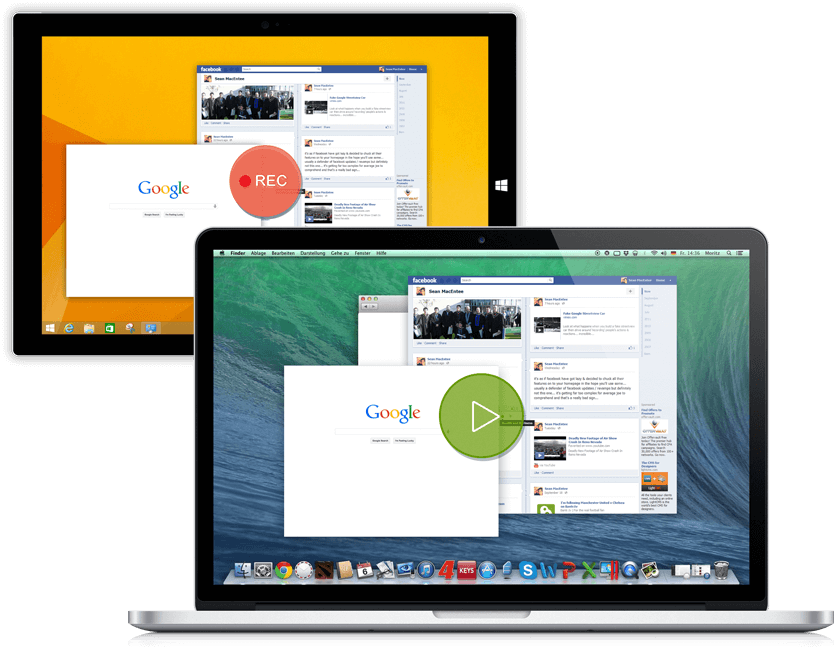
Get employee desktop screenshots in real-time and recorded playback mode
Real-time
- by request and live refresh modes
- multiple PCs surveillance mode
Recorded
- handy snapshots player
- customizable frequency and image quality, applications to capture or except
- export screens to jpeg
- quick search by: time, user, computer, application, window
- no capture during the user idle time (to save DB space)
Also, both real-time and recorded screens have multiple displays support!
Web Filtering
Control on any action!
Work Examiner offers a comprehensive web filtering solution for your network. A set of allow and deny rules allows you to build any web filtering policy you want, e.g.:
- block all sites except those whitelisted for specific users and departments
- allow 30 min of free web surfing per day
- block adult, social sites, and IM chats in several clicks
- not just a blocking: redirect or return a custom html reply on the denied page


Alerts
Get e-mail notification on prohibited site access attempt

Web Usage Timer
Show a ’time left’ popup for a user

HTTPS filtering
Block SSL encrypted sites like facebook.com

Content-based
Block by html keywords or use updatable domain database with 80+ categories
PC Tracking
Active or Idle?
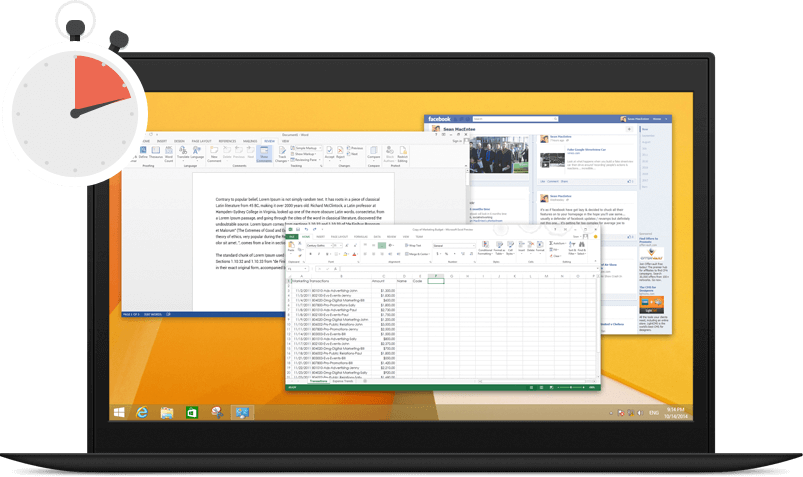
Work Examiner tracks both active and inactive computer time. If the user makes no mouse/keyboard actions during a customized period – this time is calculated as inactive.
Who works less or more?
summary of computer usage reports will show you who works on the computer more and who works less, as well as who comes early and who is late.
What is recorded?
Work Examiner will track application name, icon, window title, website URL, user name, computer name, start\end times and active and idle times.
Is it stealth?
Completely! No icons, task manager processes and add\remove programs items.
Scheduled Reporting
Any time tracking report can be configured to be sent to admin or manager via e-mail (e.g. as a PDF) by a customizable schedule.
Emails
Find and prevent data leaks
Our email recording tool helps to reduce leaks of critical information and get a better idea of employees' e-mail communications.
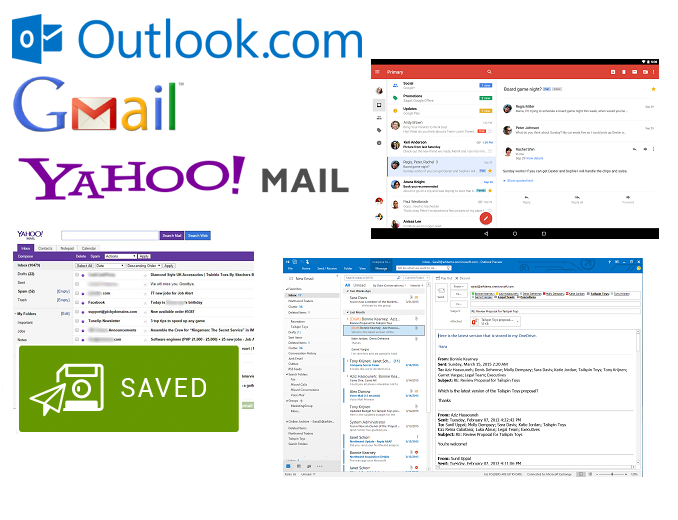
Work Examiner can capture and save every email message sent or received through Gmail, YahooMail, Outlook.com web services, SMTP and POP3 protocols, as well as MS Exchange messages from MS Outlook.
All e-mail information — Time, From, To, Subject, Body and even Attachments — is captured. You can filter captured emails by any parameter or search messages for keywords.
Keylogging
What do they type?
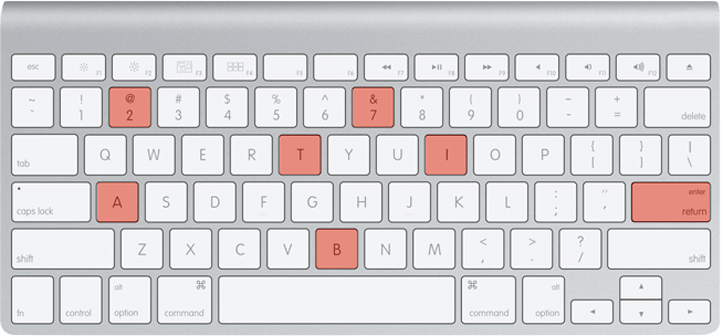
Keystroke recording captures every key that is pressed by the user. You will see what was typed in any program, whether it's IM chat, on a website, webmail, or MS Word. You can even capture the passwords typed in many programs and websites!
All of the necessary items (User, Computer, Website/Application Name, Window Title and Date/Time) are recorded and available for quick searching and data filtering.
You can specify a list of programs to capture keystrokes from, such as web browsers, email clients and MS Office apps.
Both letters/numbers and special keys are recorded and displayed in a useful, easy-to-read style in the report.
Instant Messaging
What are they chatting about?
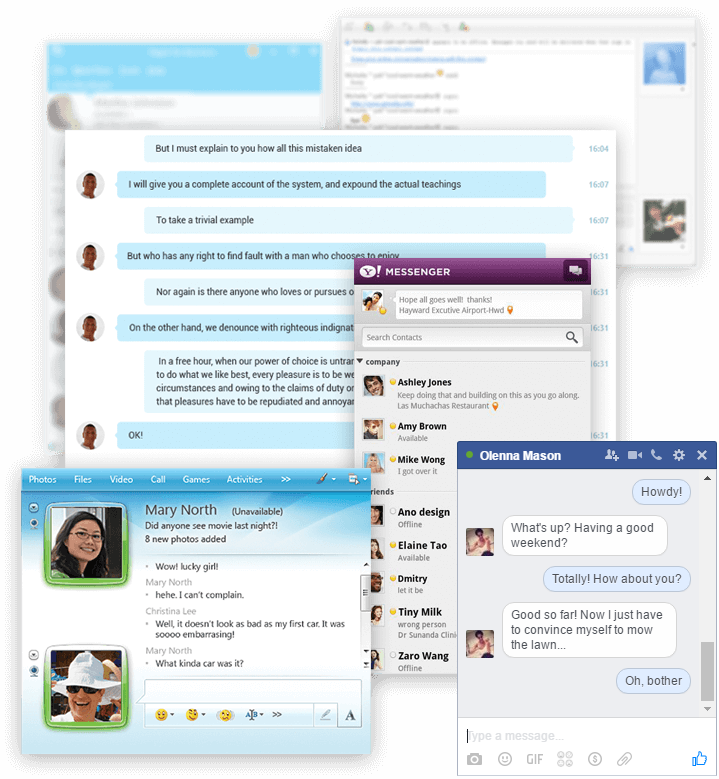
Our instant messaging capturing tool can record the most popular IM services and protocols:
- Skype, Skype for Business (Lync)
- Windows Live Messenger
- MSN
- Google Talk
- AIM
- Yahoo Messenger
- ICQ
- XMPP
The User, PC, Date/Time and Message are all included in the report. You may search through all the messages by keywords to discover what your employees are sharing.
Current Activity
Keep your hand on the company's pulse
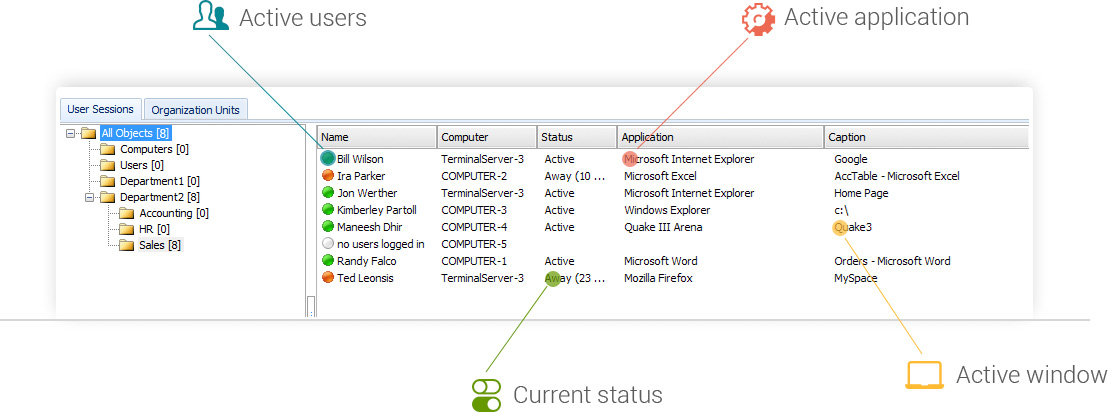
With the Current Activity feature, you can see which employees are working at the moment, what websites they are visiting, and what applications are being used. You can also view the status of each employee: whether the employee is working on the computer at the moment or not, and if not, for how long the employee has been away.
The organizational structure tree will help you to easily find the employee who you are looking for.